How to build a basic data warehouse using Tableau’s Superstore dataset.
Click on any image in the table below to navigate to the tutorial. Each video has a ‘Resources’ section with the SQL code used, to help you follow along.
| 1. Introduction Covers the (absolute) basics of data pipelines, ETL and data warehousing before we get started on the SQL | 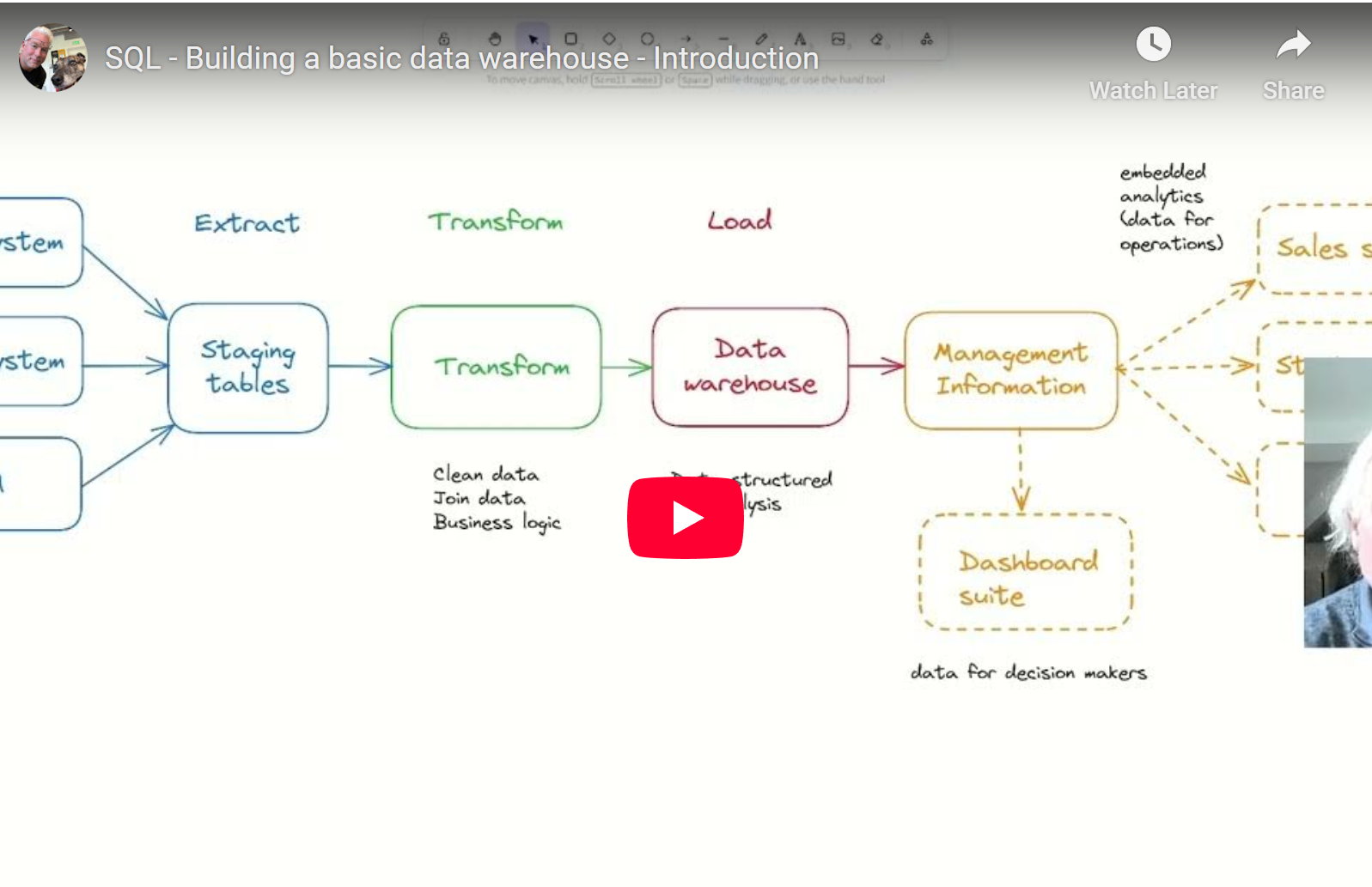 |
| 2. Creating staging tables In this step, we create our database and schemas, and create staging tables to hold our superstore data. |  |
| 3. Importing data In this step, import data from our Excel file into our staging tables. |  |
| 4. Date cleansing Now that we have our staging data, we can begin transforming it. In this section, we cleanse the date fields. | 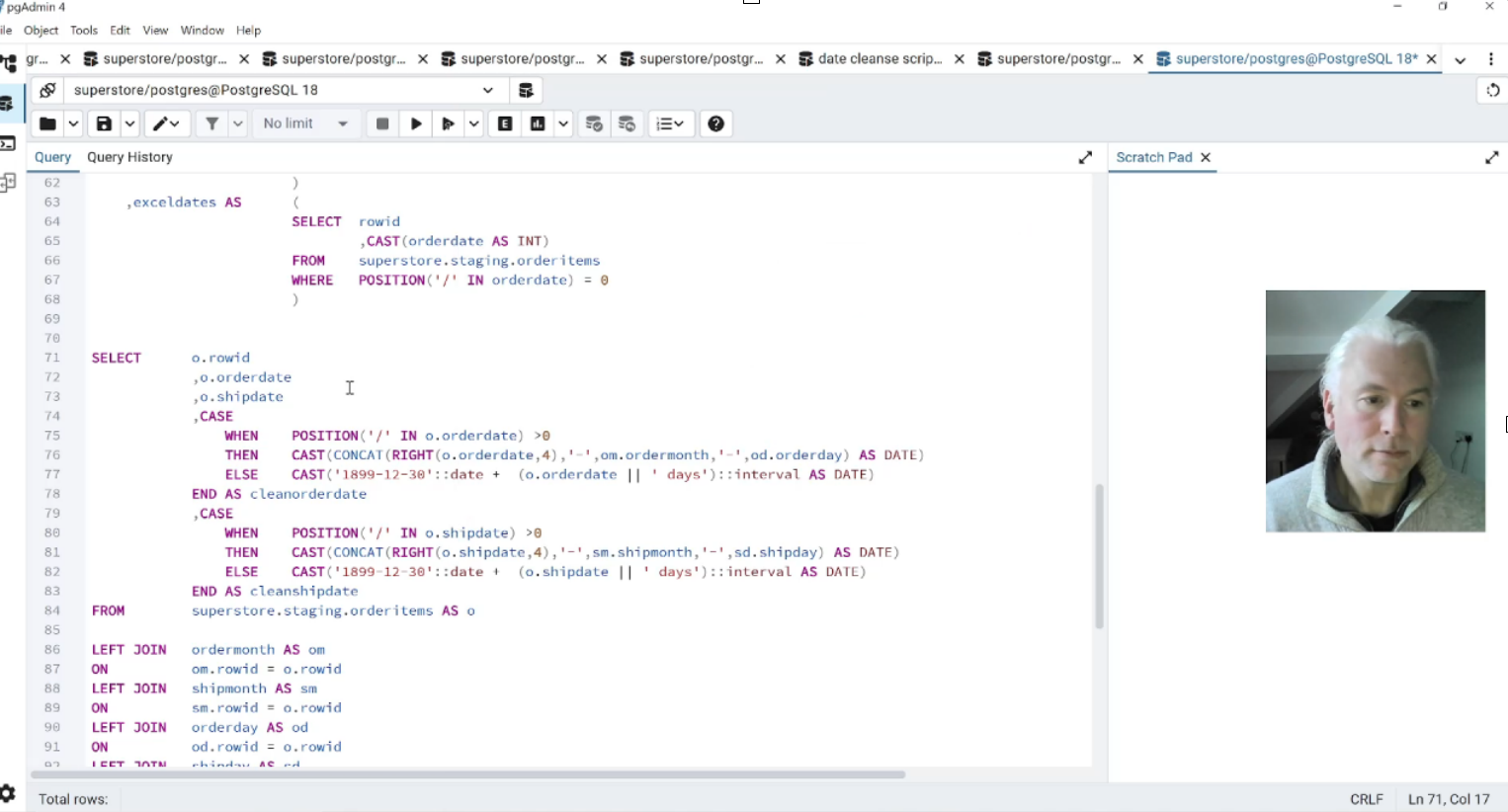 |
| 5. Fact Tables In this section, we build our first fact tables in the data warehouse and deal with more data quality issues. |  |
| 6. Dimension Tables – dim.products We build our first dimension table – dim.products – and encounter more data quality issues. | 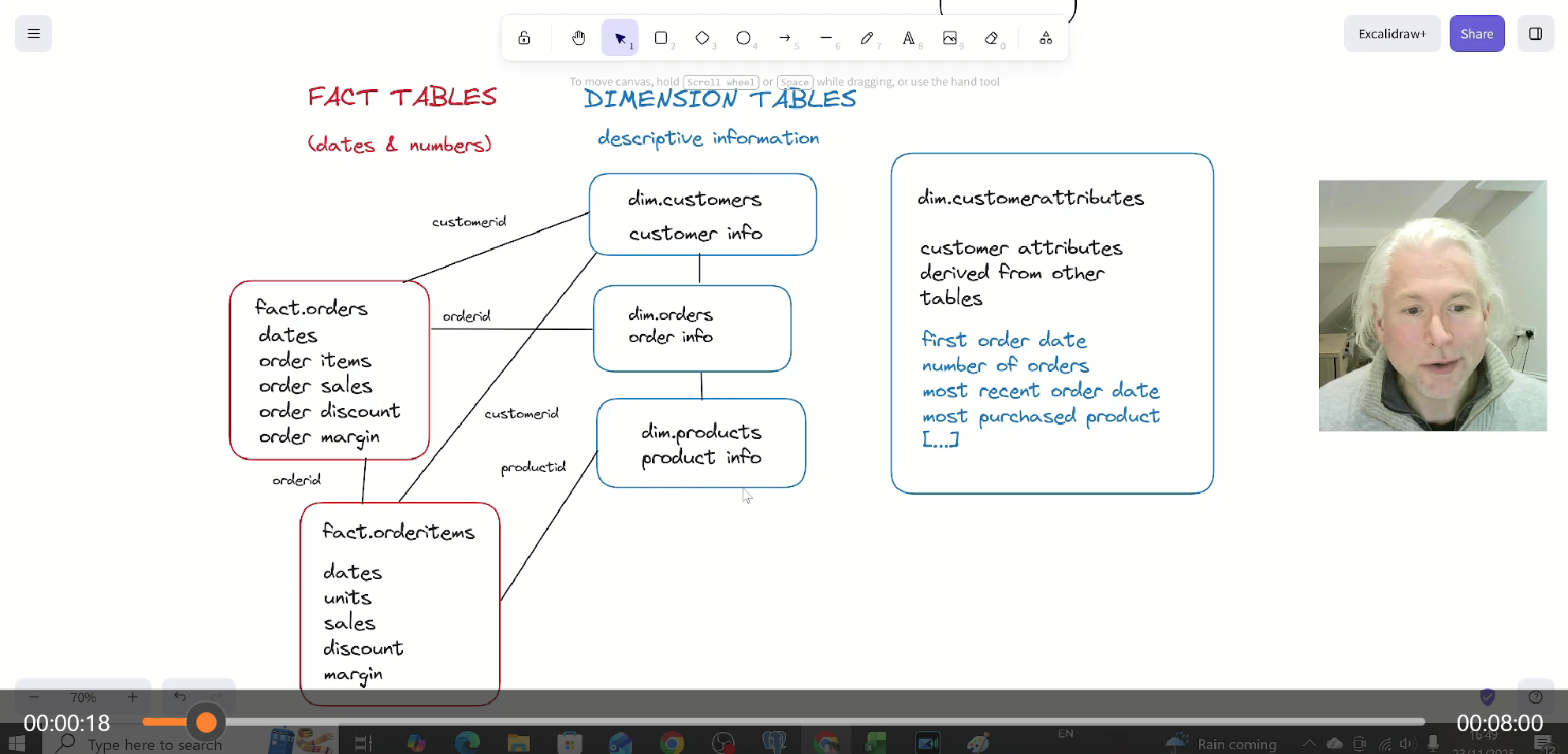 |
| 7. Dimension Tables – dim.orders We continue to build out our dimension tables. |  |
| 8. Dimension Tables – dim.customers We build the last of our simple dimension tables and introduce the FIRST_VALUE window function. | 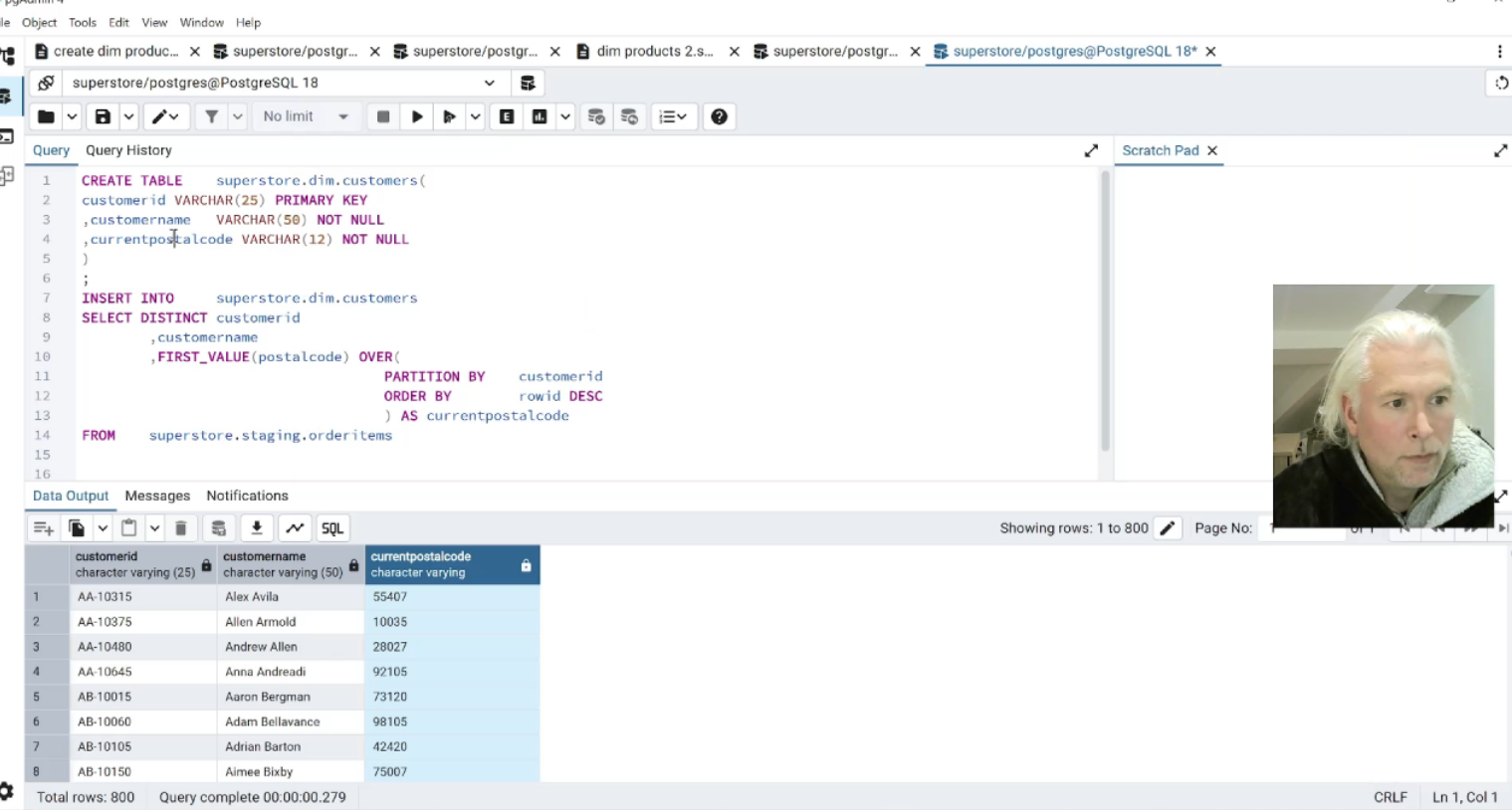 |
| 9. Customer Attributes Table In this section, we use SQL window functions to calculate a range of customer attributes. |